If we are operating out of your instance of GAM, we will need you to check the "Check reservation creatives for consent" setting under Privacy & Messaging and make a minor adjustment if necessary.
Below, we have outlined the steps necessary to make this change. If you prefer, we can also make the update on your behalf upon your approval.
For additional guidance, refer to Google’s official documentation.
The necessary update should only be made if the following setting is enabled:
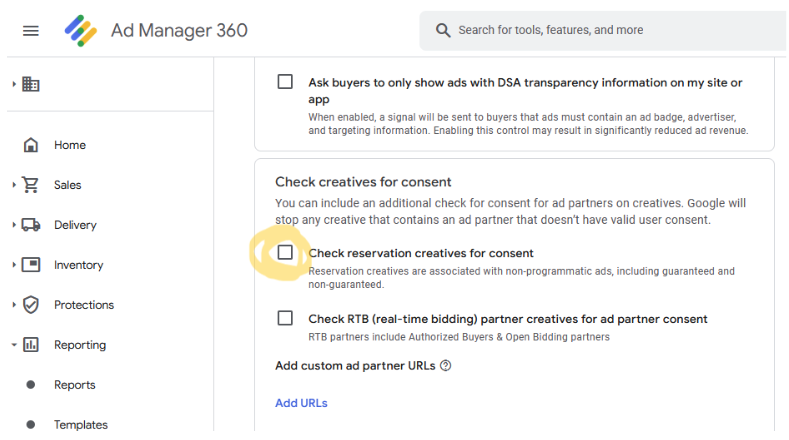
Under Privacy & Regulations tab > European regulations > Settings, locate the “Check creatives for consent” section.
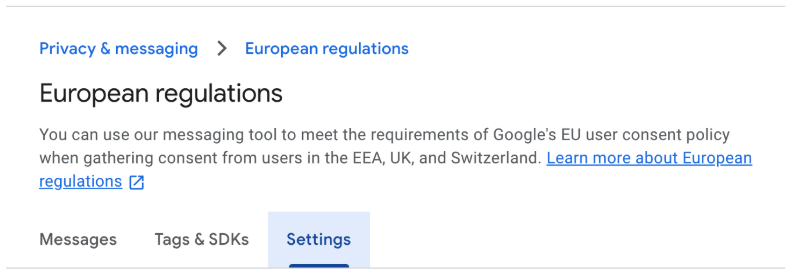
If the “Check reservation creatives for consent” box is checked, you will need to:
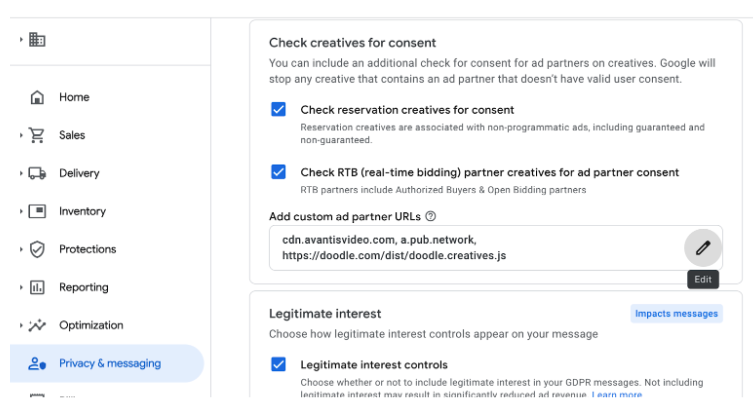
Click on “Add custom partner URLs” and includea.pub.network.
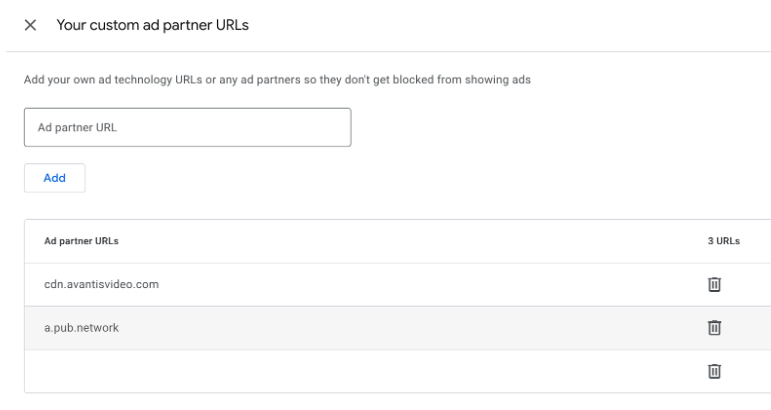
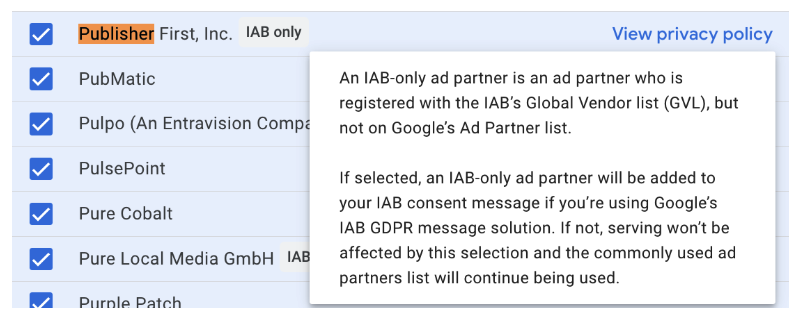
Ensure that “Publisher first” is also checked under Review your ad partners > Custom ad partners list.
🚧
If the “Check reservation creatives for consent” box is not checked, no changes are necessary.
Freestar is already listed as an IAB vendor, and we have submitted a request to Google to be added to their trusted ad tech partner list.